Payments and debts
Every Incoming operation with a Supplier and every Outgoing operation with a Customer (reference) can carry its own payments. Until it’s fully paid, the difference is a debt — money a customer owes you (Outgoing) or you owe a supplier (Incoming).
-
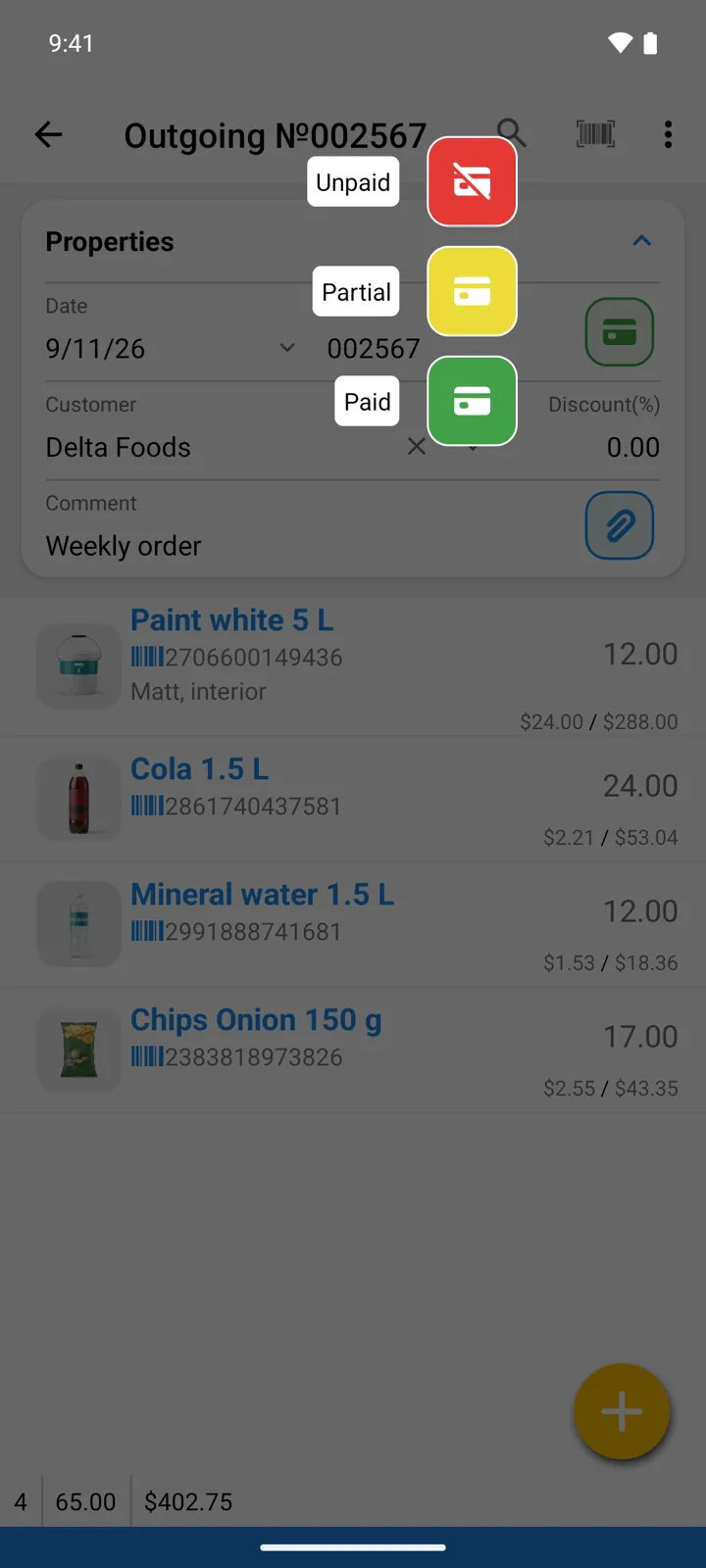
The fast way: tap the colored state button on the operation. Mark it Paid in one tap — no amount to type — or Unpaid; choosing Partial takes you to the payments screen to enter the amount received.
-
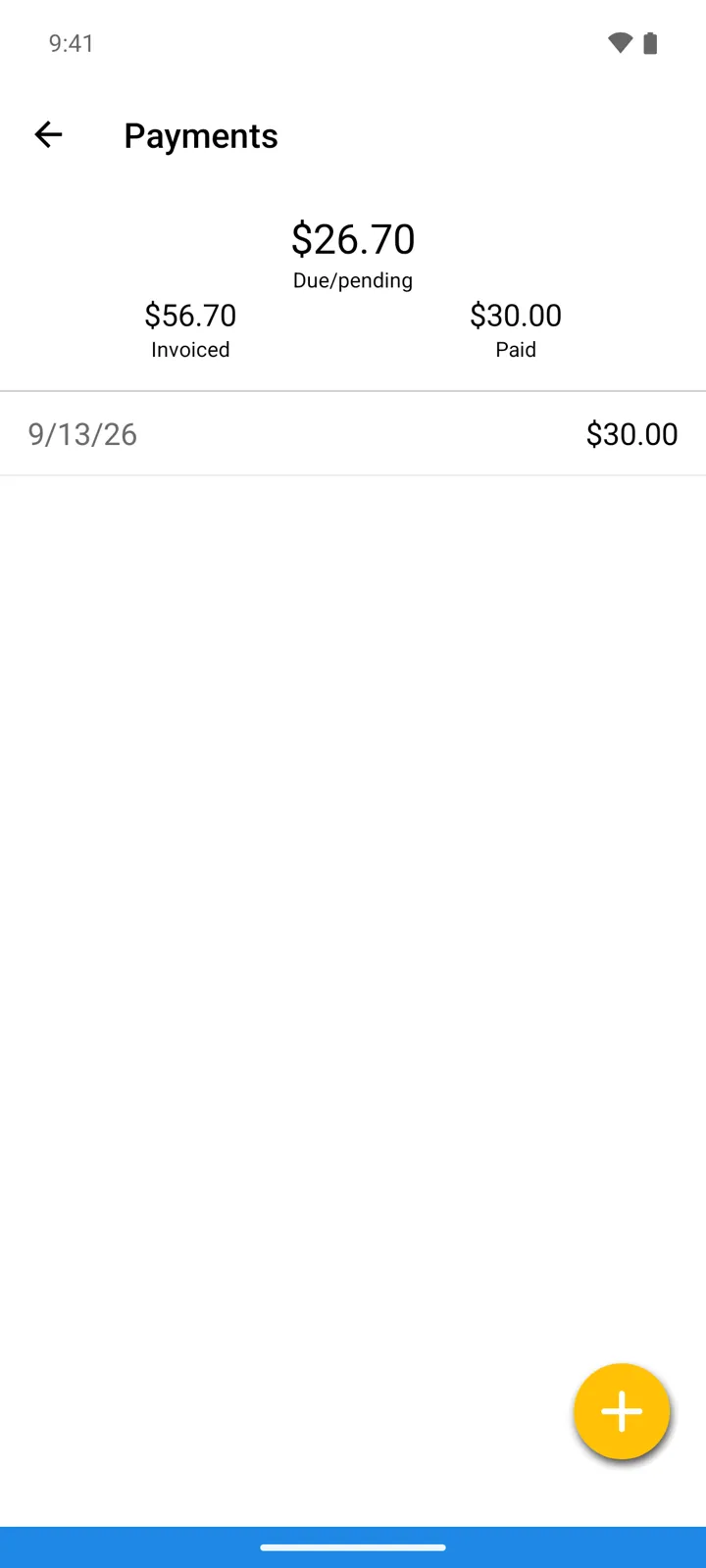
For exact bookkeeping, open Payments from the operation’s menu and tap Add payment. Partial payments are fine — add as many as it takes, and the state updates itself.
-
Watch where things stand: the operation shows Paid and Due/pending amounts, and its state — Paid, Unpaid, or Partial — is visible right in the Operations list, where partially paid operations carry yellow icons.
Seeing all debts at once
Section titled “Seeing all debts at once”Open Reports and use Debts by Customer and Debts by Supplier — each entity with an outstanding balance, in one list (reports reference).
Good to know
Section titled “Good to know”- New operations start as Paid or Unpaid depending on Settings → Prices → Select default state for operations — counter sales work best defaulting to Paid, invoiced deliveries to Unpaid.
- No supplier or customer on the operation means nothing to track — set the Supplier (Incoming) or Customer (Outgoing) if payment matters.